
LoggFi · Cold rooms · India
Cold room temperature monitoring, planned around the room
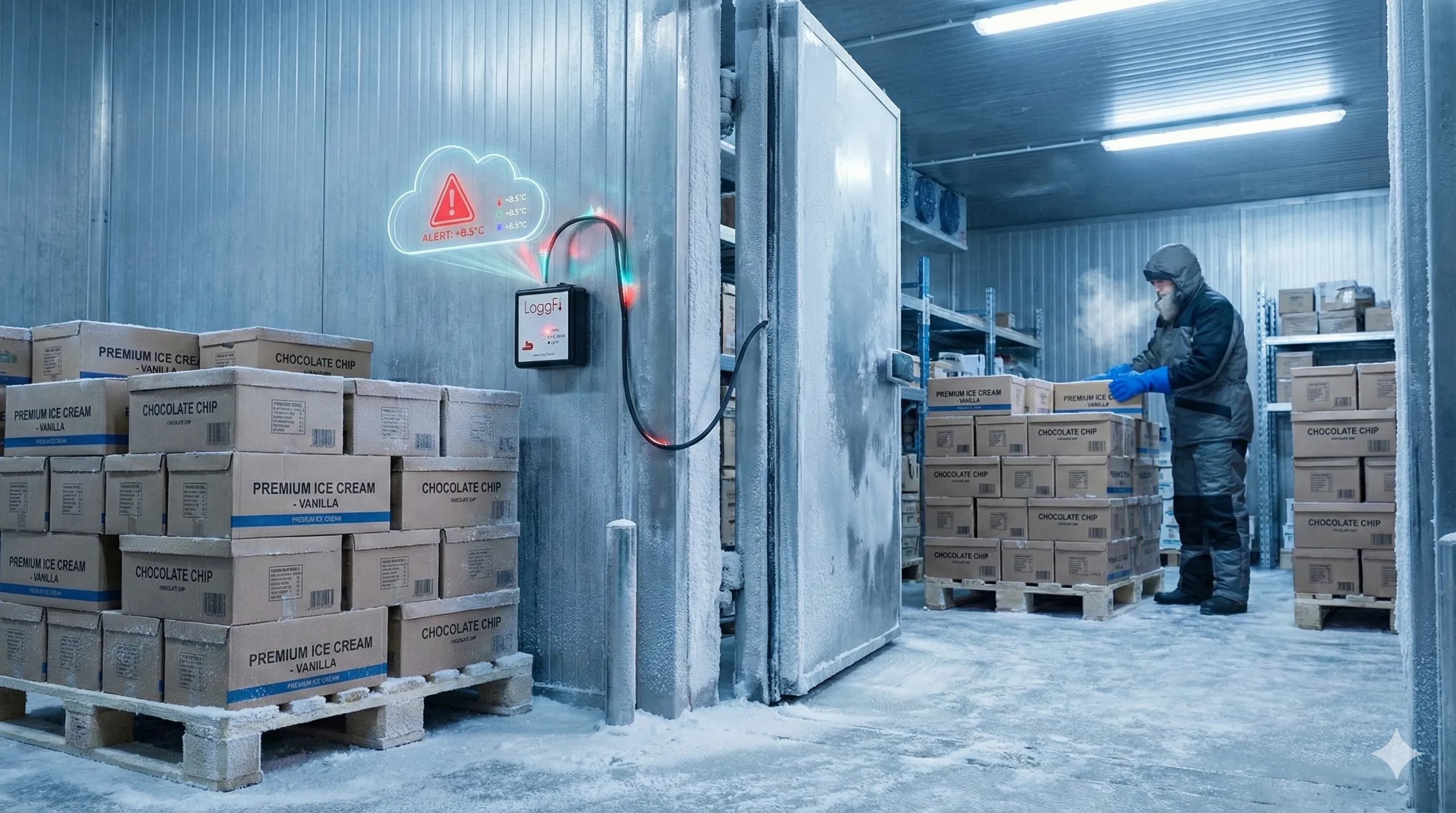
A cold room temperature monitoring system records conditions at defined locations and helps the responsible team review changes. Plan LoggFi monitoring around the room’s layout, stored products, loading pattern and available connection. The cold room controller and an independent monitoring probe can serve different purposes and need clearly identified readings.
01 · The application
Where to plan your monitoring
Walk-in chillers
Review where products are stored, how doors are used and where cooling equipment sits. Use the room’s assessment or mapping to define representative monitoring points instead of choosing a position only for easy access.
Freezer rooms
Specify the lowest expected temperature, probe cable route and mounting method. Check the full probe assembly against the operating conditions, including condensation at transitions between cold and warmer areas.
Multiple rooms and zones
Give each probe and room an unambiguous label. Record which logger, connection and recipient group belongs to each point so the team can identify the right room when reviewing an alert.
02 · Before installation
Survey the room before choosing the connection
Probe versus enclosure position
Select the measurement point and an electronics location separately. Use an approved cable route and confirm the enclosure stays within its catalogue environment.
Closed-door connection test
Test the proposed WiFi or GSM logger at the final position, with doors closed and refrigeration equipment operating. An insulated enclosure can change the usable signal path.
Loading and defrost observations
Review the temperature pattern during representative operation. Agree thresholds and the response process with the stored-product owner, including how expected cycles are assessed.
Power and recovery test
Include the logger, router and internet service in the backup-power plan. Record a controlled interruption and recovery test, including reading and notification timestamps.
03 · People and records
A practical commissioning sequence
Record the installation
Document the room and sensor IDs, agreed positions, cable routing, configured limits and responsible contacts. Keep calibration details with this installation record.
Observe routine operation
Compare readings with the agreed reference method and review door and defrost events. Confirm that the team can distinguish the controller display from the monitoring record.
Demonstrate the response
Run an authorised notification test and record arrival times. Confirm what the team will do if the room changes temperature while the logger or network is unavailable.
04 · Catalogue options
Match the sensor to the requirement
LoggFi
NTC · −40°C to +50°C
Start with the NTC family if the complete required cold-room range is covered. Check the installation of the external probe and the environment around the logger.
Compare LoggFi optionsLoggFi+ PT100
PT-100 · −200°C to +400°C
Evaluate PT100 when a lower temperature or another probe arrangement is needed. The listed measurement range applies to sensing, not the logger enclosure.
Compare LoggFi+ PT100 optionsRanges above come from the LoggFi catalogue. Confirm the supplied probe and calibration scope. The listed electronics environment is 10 – 40°C · 30 – 70% RH; a sensor range does not describe enclosure suitability.
Choose the connection separately: WiFi models use facility internet, while listed GSM models need compatible GSM/GPRS (2G) service. Remote readings and notifications depend on power, connectivity and the configured service. Use the wireless installation guide to plan outages and acceptance tests.
Cold rooms monitoring questions
How many sensors does a cold room need?
There is no universal sensor count based only on room size. Use the room layout, stock positions, temperature distribution and operational risk to choose points with the responsible team. Record the reasoning and revisit it when the room changes.
Can the logger itself stay inside the freezer?
Do not infer enclosure suitability from the probe range. The catalogue lists the electronics environment as 10–40°C and 30–70% RH. Plan a suitable logger location and confirm the external probe, cable and installation details before ordering.
Will alerts work during a power cut?
Only while the required devices and communication path remain available. Logger battery backup does not power a WiFi router or internet connection. Confirm the supplied unit’s runtime and test notification behaviour under the site’s actual backup arrangements.
Your next step
Plan a cold-room installation
Share the details below with the LoggFi team in Kochi. Ask for the device, cloud service, calibration and installation costs to be itemised for your requirements.
Request a cold rooms quote- Number and dimensions of rooms
- Working temperatures and stored products
- Mapping results or proposed probe locations
- Door, cable and enclosure installation details
- Available WiFi or compatible GSM service and power backup