
Built-in offline storage
Keep recording through a network interruption while the logger remains powered, within the selected model’s storage capacity.
LoggFi · Connected IoT monitoring
Keep temperature and humidity in view, wherever you are. Choose WiFi or GSM data loggers for your facility in India.































01 / SYSTEM Your monitoring points. One dashboard.
Bring temperature readings from your connected monitoring points into one cloud dashboard. LoggFi WiFi and GSM data loggers help your team review conditions remotely, access historical records and receive configured alerts.
Temperature / humidity
WiFi / GSM
Nexus cloud platform
Configured notifications
The logger records sensor readings and uploads them over an available network. Your team reviews the history in Nexus and receives notifications based on configured limits and recipients.
ILLUSTRATIVE RECORD
Example data · explore the two connection states above.
Keep recording through a network interruption while the logger remains powered, within the selected model’s storage capacity.
The catalogue includes over-the-air firmware support. Discuss updates and device maintenance as part of your installation.
Review timestamped readings from the web or mobile app. Confirm the reports, retention and access your team needs.
Already connected? Your devices and readings live in Nexus.
Sign in to Nexus02 / DEVICES Explore the LoggFi range
Start with what you need to measure. Then choose the connection that works at your installation point.
03 / ENGINEERING Know what you’re installing
Connect your temperature monitoring points to a central dashboard. Explore the core NTC logger family, compare WiFi and GSM connections, and check the specifications for your site.
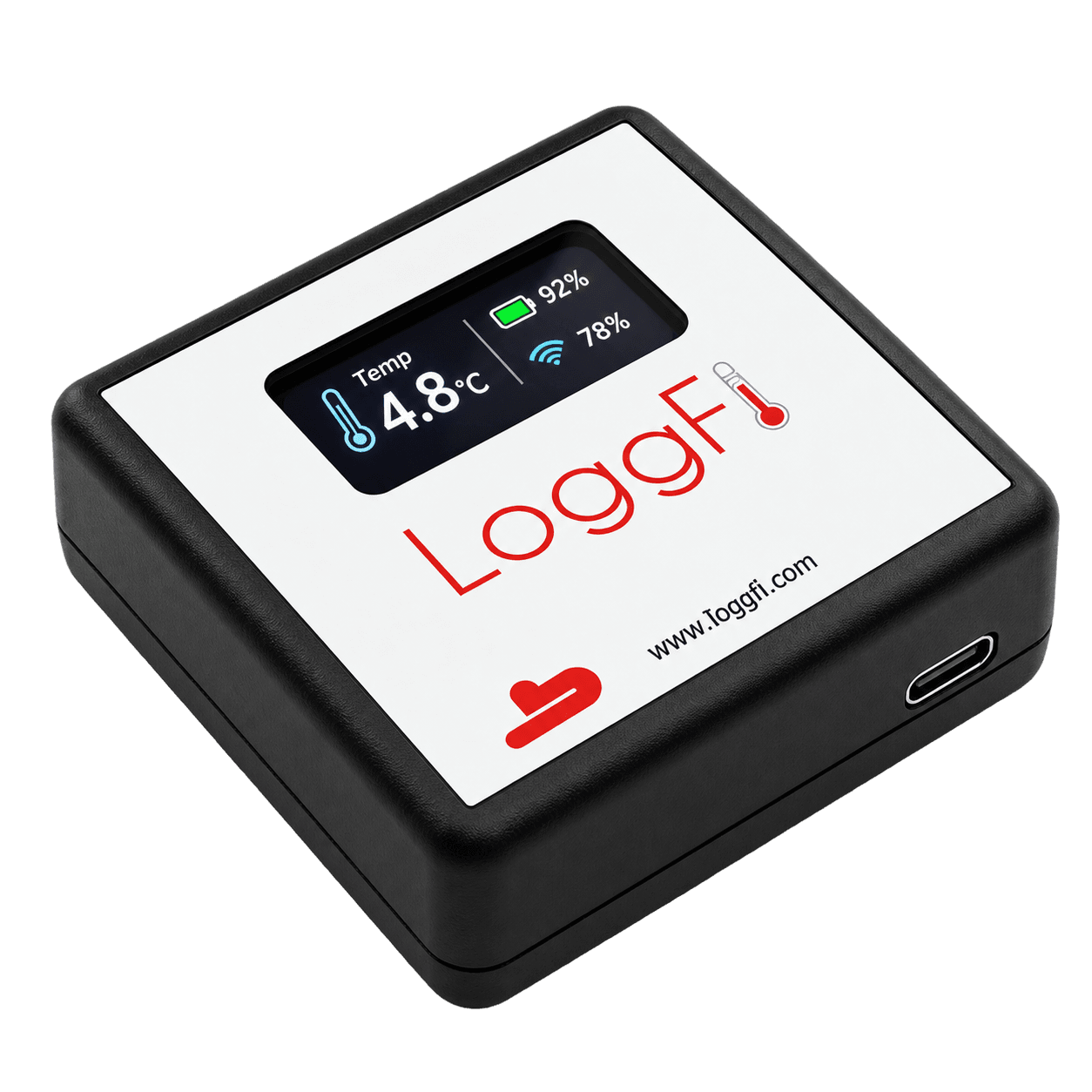 COMPACT ENCLOSURE · OLED DISPLAY OPTION
Use your existing WiFi connection for stationary monitoring points. Check network access and coverage where each device will be installed.
04 / COMPARE The connection makes the difference
WiFi and GSM bring readings to your team remotely. Typical USB and Bluetooth loggers keep data collection local. Here’s what that means day to day.
Scroll across to compare all four types
| Your workflowAt a glance | LoggFi · ConnectedWiFi logger | LoggFi · ConnectedGSM logger | Typical · StandaloneUSB logger | Typical · Local accessBluetooth logger |
|---|---|---|---|---|
| How you see readings | Cloud dashboardUploads over WiFi; review remotely while connected. | Cloud dashboardUploads over cellular; review remotely while connected. | Download in personConnect to a computer to retrieve stored readings. | Sync nearbyRead on a compatible phone or computer within range. |
| Alerts while you’re away | Call, SMS & emailWith connectivity and the configured alert service. | Call, SMS & emailWith connectivity and the configured alert service. | No remote alerts on its ownLocal alarms or indicators depend on the model. | Needs a connected setupRemote alerts require a supported gateway and service. |
| What the connection needs | Facility WiFi + internetCheck access and coverage at the installation point. | Compatible GSM/GPRS (2G) SIMConfirm operator service and coverage on site. | USB connection to a computerSoftware or a reader may be required. | Bluetooth + compatible appA supported gateway can add cloud access. |
| Recording without internet | Up to 2,000 readingsStored locally while powered; remote updates need a connection. | Up to 500 readingsStored locally while powered; remote updates need a connection. | Records to internal memoryNo internet needed to log; capacity varies by model. | Records to internal memoryNo internet needed to log; capacity varies by model. |
| A good fit when… | Your site has reliable WiFiYou need remote visibility and configured alerts. | You need an alternative to WiFiCompatible cellular service is available on site. | You can collect records laterPeriodic reviews or end-of-journey downloads suit your process. | Your team checks nearbyYou want local wireless readout, or a gateway-based system. |
LoggFi storage figures refer to the core NTC temperature models. USB and Bluetooth describe typical standalone workflows; capabilities vary by model, and supported gateways can add remote monitoring. Confirm storage limits, reconnection behaviour and alert delivery for your selected setup.
05 / APPLICATIONS Engineering in the real world
Different environments. Different requirements. Start with the monitoring points and workflows that matter to your operation.
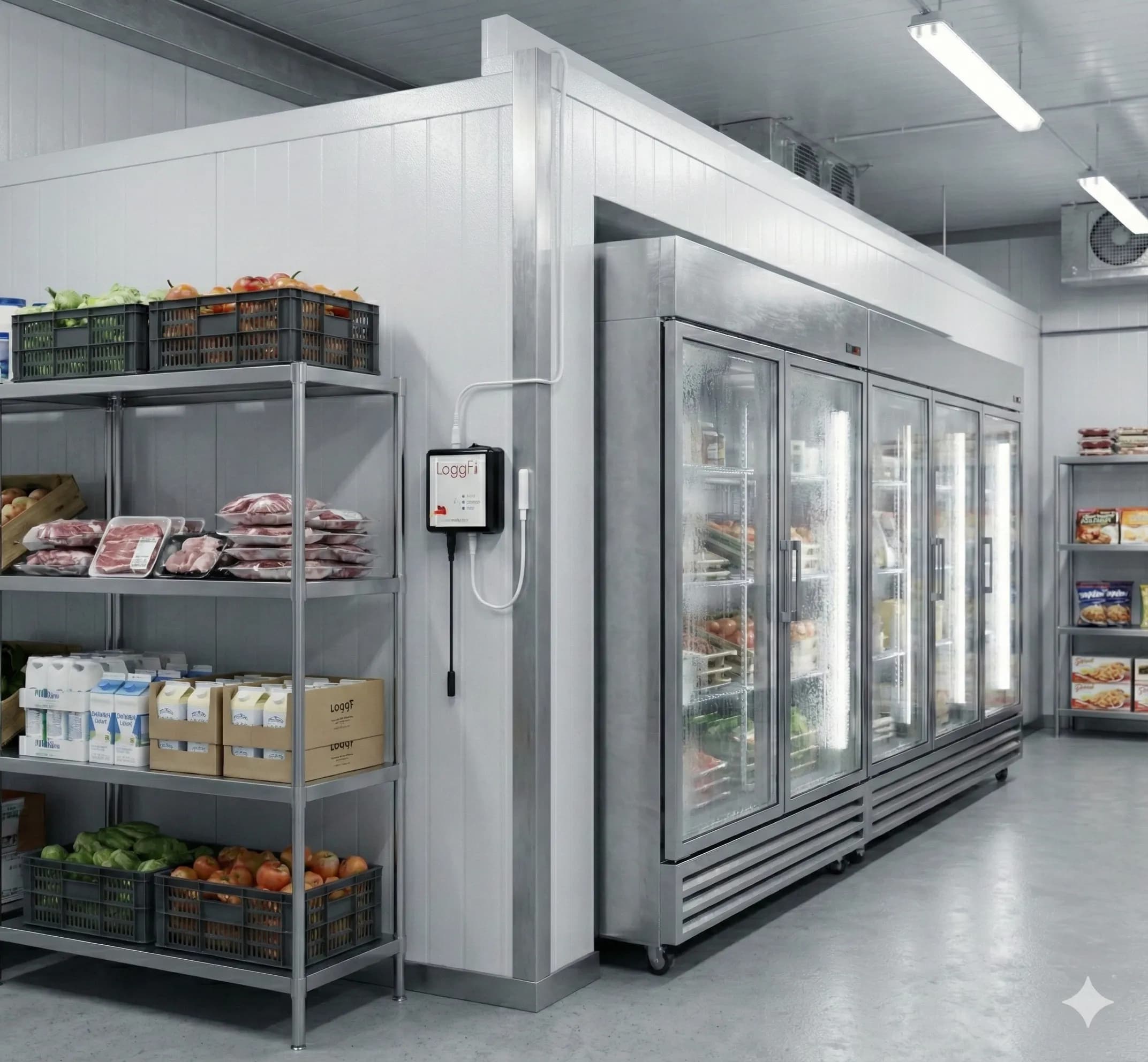
Connect storage records with receiving checks, stock movements and your response to an excursion.
01 / Explore monitoring requirements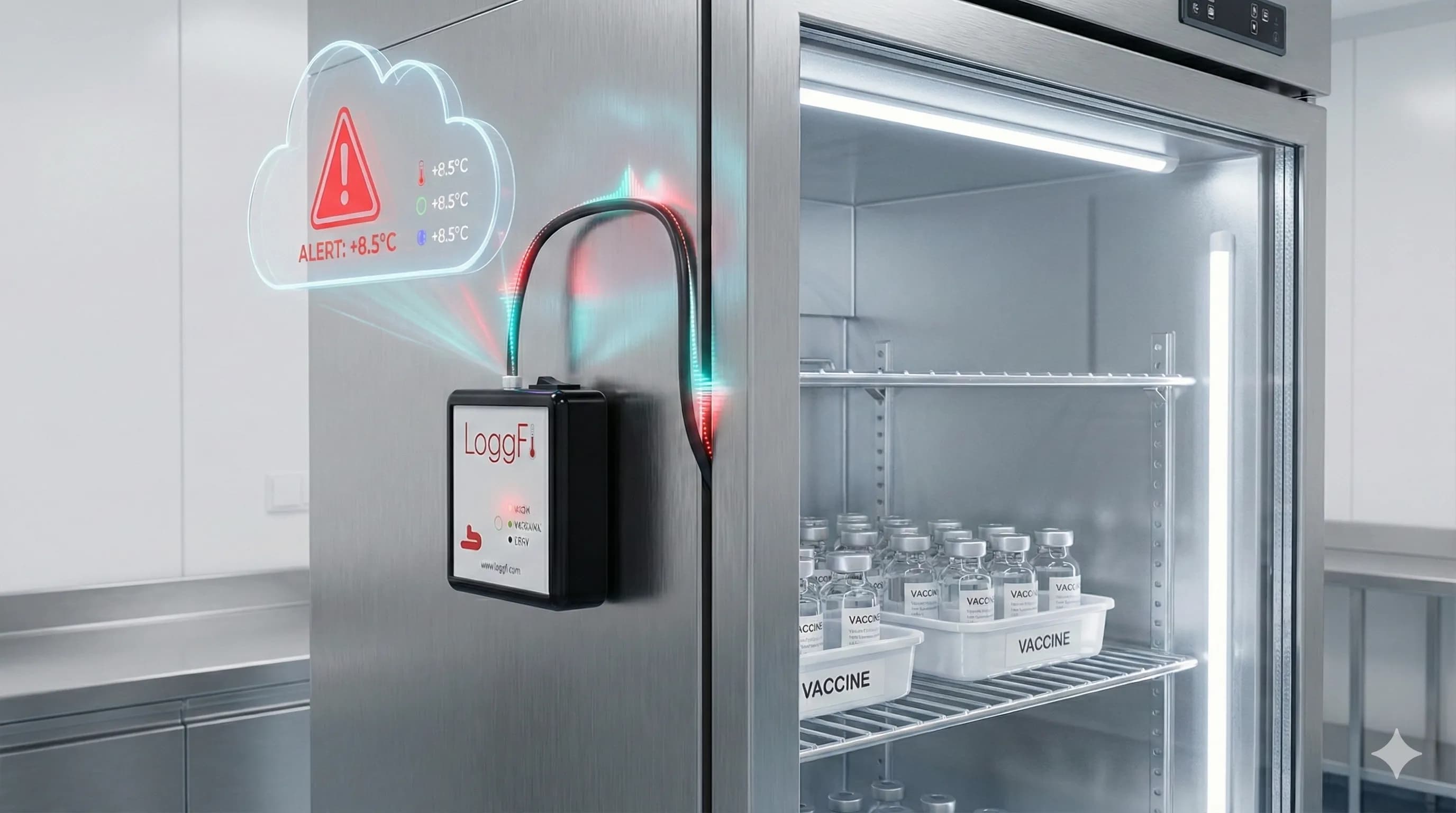
Build a monitoring plan around labelled storage conditions, mapped locations and quality-team review.
02 / Explore monitoring requirements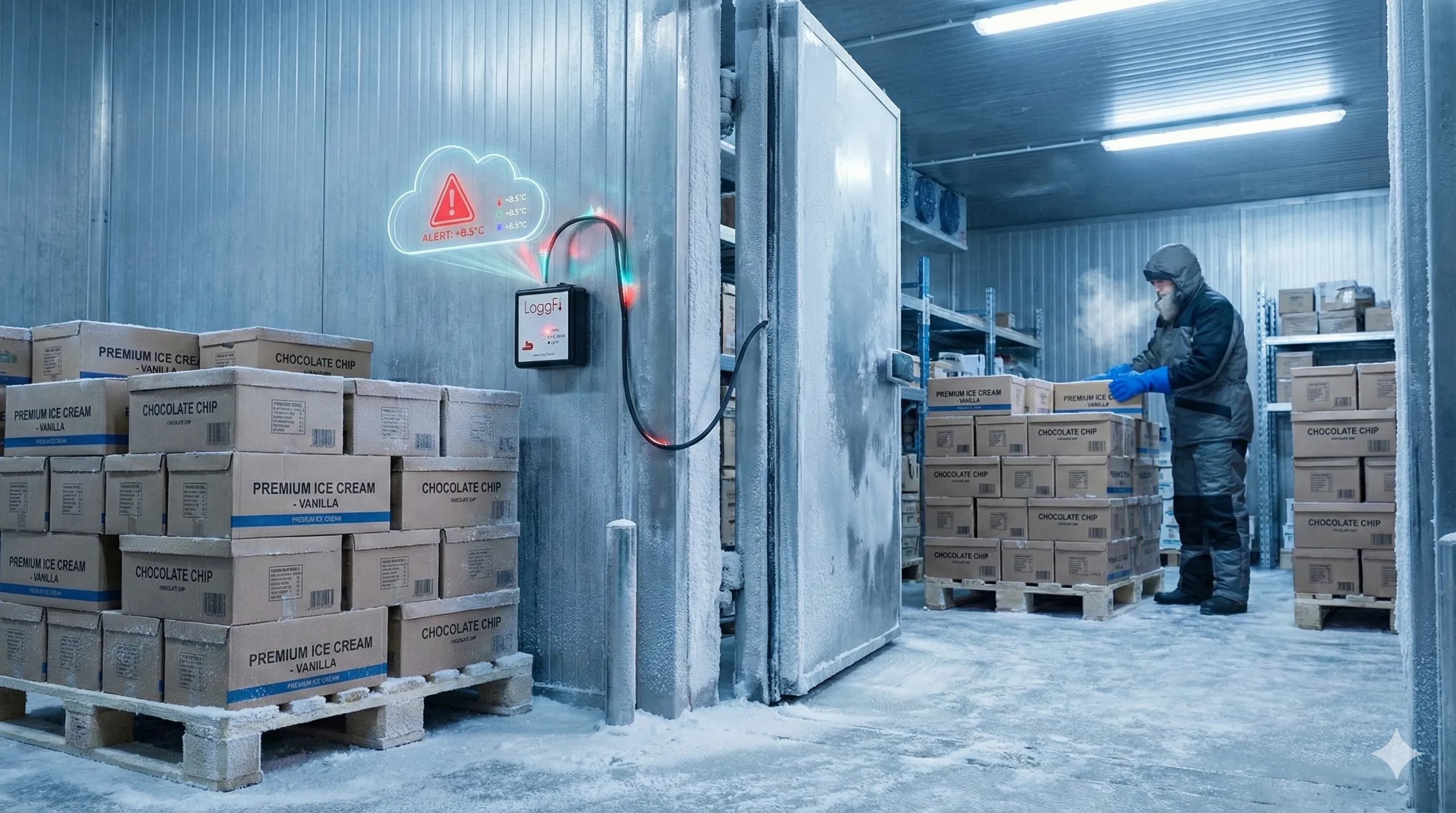
Separate probe placement, electronics conditions and the wireless connection before installation.
03 / Explore monitoring requirements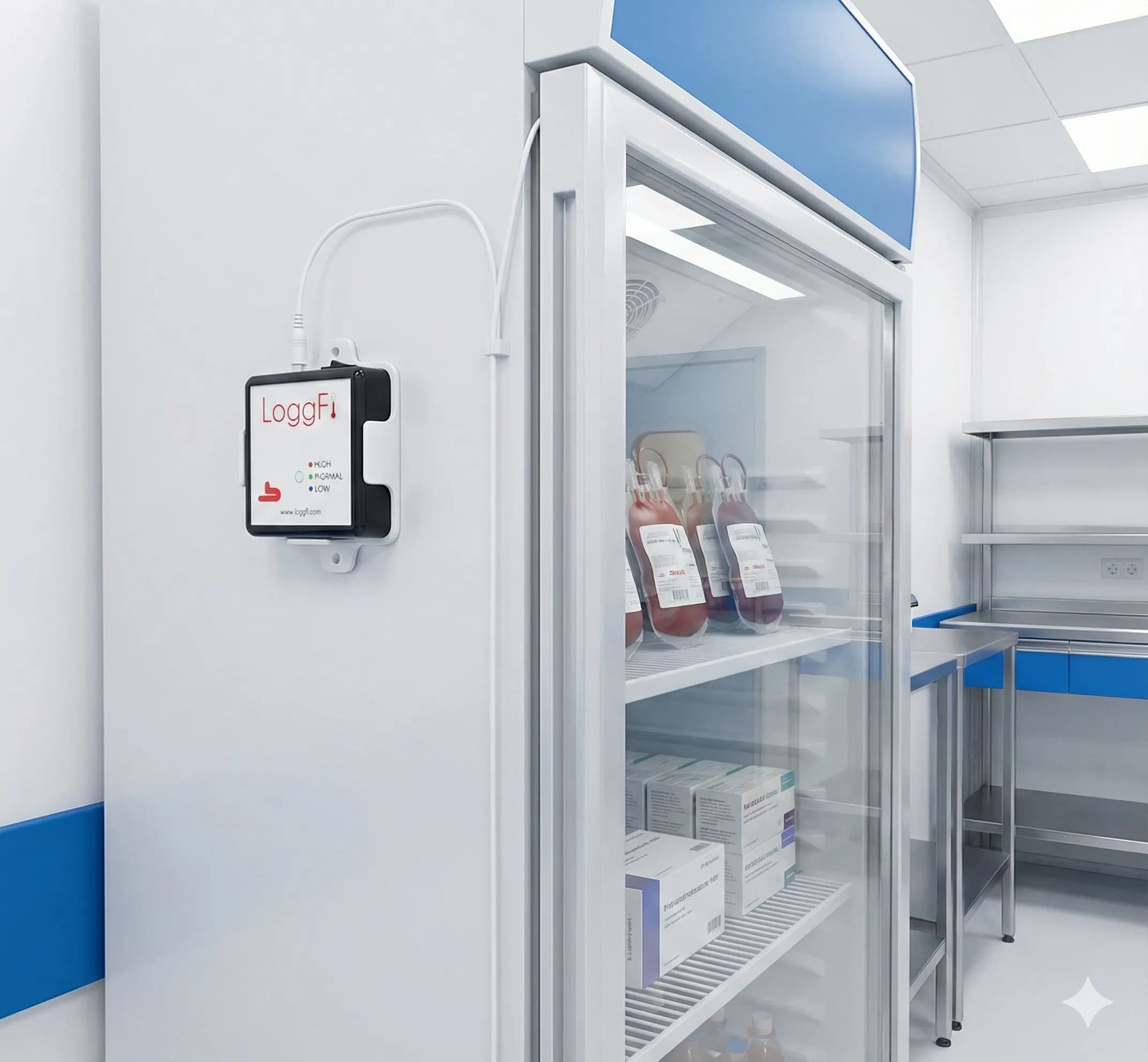
Keep equipment identities, component-specific conditions and escalation responsibilities clear.
04 / Explore monitoring requirements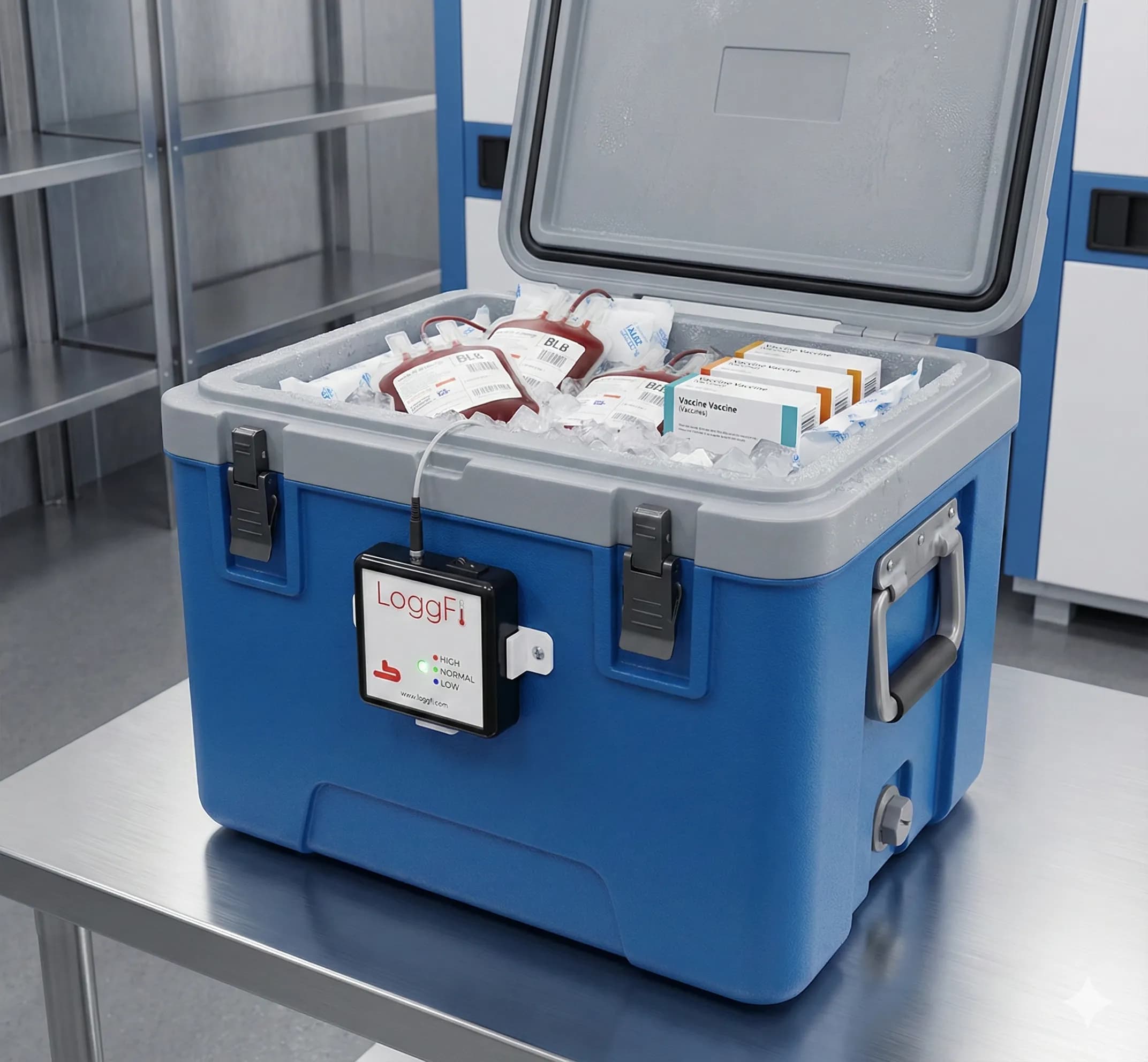
Assess the vehicle, route, power and shipment records before choosing a transport temperature logger.
05 / Review transport suitabilityTell us about your monitoring points, required ranges and connectivity. We’ll help you evaluate the right setup.
Discuss your application06 / SENTINEL Alerts where your team works
Remote temperature monitoring. Visible and audible alerts where your team works.
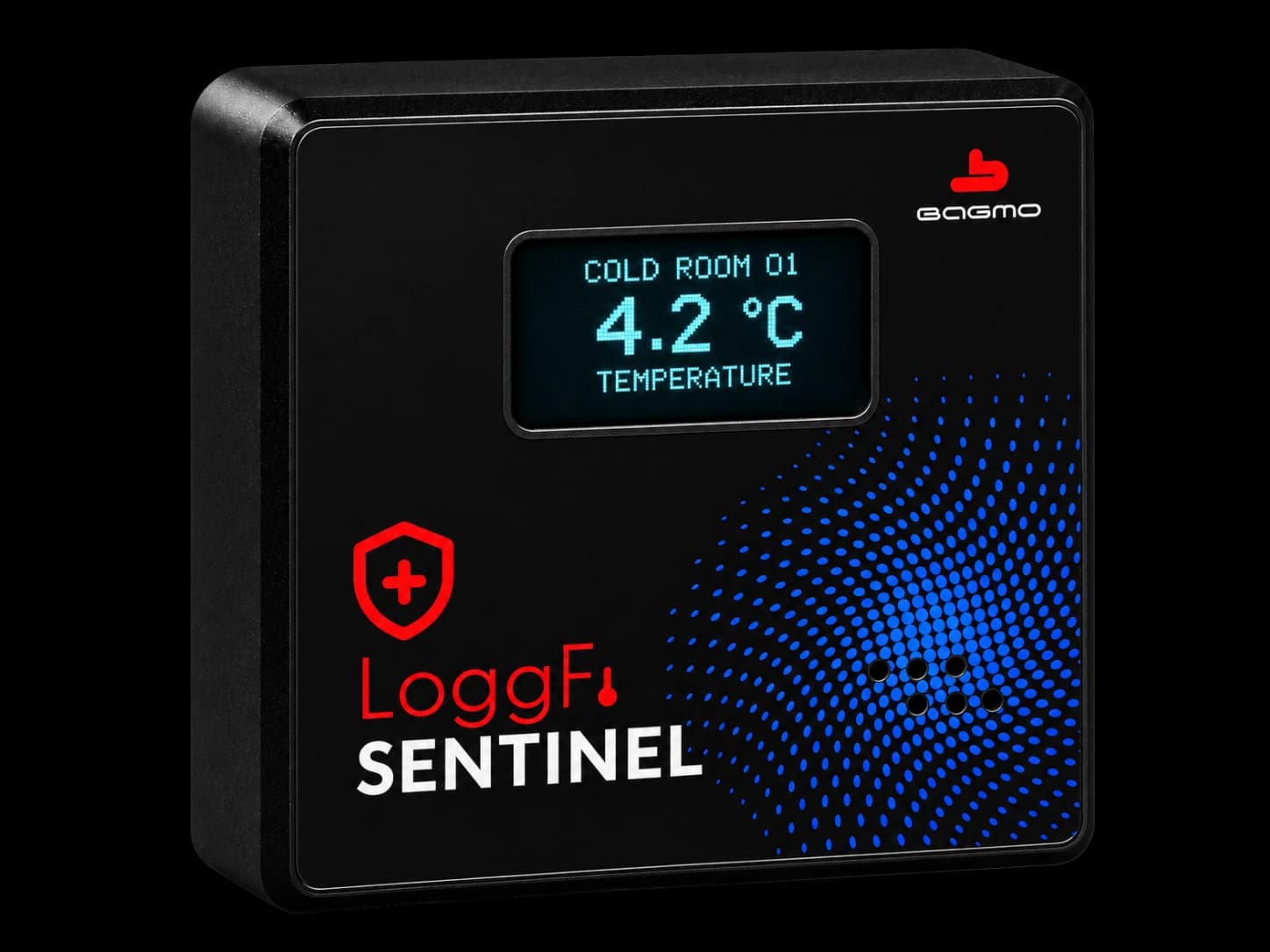 CENTRAL DISPLAY + AUDIBLE ALARM
REMOTE STORAGE → YOUR WORKSPACE
See temperatures from LoggFi wireless data loggers in your office, staff room or monitoring station. When a reading crosses its configured limits, Sentinel’s built-in hooter draws your team’s attention.
07 / FIELD NOTES Watch the system at work
Product walkthroughs and application stories from the LoggFi team.
See how laboratory teams can review temperature readings across their supply chain.
Explore connected monitoring for food storage and cold-chain operations.
Follow a temperature reading from a connected logger into the cloud dashboard.
See local hooter and remote call options. Test the selected alert paths at your site.
08 / GOOD QUESTIONS Before you connect
Straight answers about connectivity, data, calibration and installation.
09 / INSIGHTS Inside the technology
Ideas, application guides and technical context for your next installation.

Imagine ordering your favorite ice cream online. You wait excitedly, but when it arrives, it’s just a warm, melted sugary soup. Disappointing, right? Now, imagine that "melted soup
10 / LET’S CONNECT Start with your site
Talk to the LoggFi team about your application. Share a few details and we’ll help you evaluate devices, installation and a demonstration.